This route takes an authorized source along with an editing instruction. The source gives a concrete visual starting point, while your prompt describes the change to attempt. Text to Image begins with an original written concept without that source.
Image to Image workflow facts
Image to Image helps you explore a change to an authorized picture before committing to another video attempt. On AI Video NSFW, start by naming the visible difference you want: a new lighting balance, a simpler background or a more useful opening crop. Keep the source and one important visual anchor in mind. The result is a new generated image, so reviewing the change matters as much as writing the instruction.
| Input | Authorized source image of consenting adults and an editing prompt |
|---|---|
| Output | A new generated image guided by the source and requested edit; exact preservation is not guaranteed |
| Source image | Use the image formats and file size accepted by the selected setup; check the requirements in the form. |
| Account | Sign in before submitting a generation request |
| Free sign-up Credits | 25 Credits for new registrations; reward eligibility applies. Check your balance after signing in. |
| Pricing | Review the live Credit estimate before submission |
| Models | Available models and settings come from the live Catalog |
| Privacy | Private by default; storage, retention, and deletion follow the Privacy Policy. |
| Safety | People must be clearly 18+; authorization and informed consent are required |
Model availability and output rights
Current limitations
The live Catalog controls which models, settings, and inputs are available. Direct video continuation and some advanced workflows may be unavailable, and commercial clearance depends on the applicable plan or model terms.
Generated outputs can vary, may not be unique, and are not automatically cleared for commercial use unless a particular plan or model expressly says otherwise.
Keep a useful source. Test one deliberate edit.
Image to Image helps you explore a change to an authorized picture before committing to another video attempt. On AI Video NSFW, start by naming the visible difference you want: a new lighting balance, a simpler background or a more useful opening crop. Keep the source and one important visual anchor in mind. The result is a new generated image, so reviewing the change matters as much as writing the instruction.
Write an edit you can compare
A good first edit has a single target and a clear review point. Use an authorized source showing clearly consenting adults, identify the change, then inspect the generated result beside the source. The live model controls and estimate determine the request you actually submit.
- 01
Choose the source worth keeping
Return to your strongest authorized original rather than stacking many weak edits. Check the subject, hands, frame edges and background. Name the feature you want to retain as a direction, while recognizing that exact likeness or pixel preservation is not guaranteed.
- 02
Ask for one visible difference
Try a cooler background while keeping the coat dark, or remove distracting furniture while keeping the main rail. Describe the main transformation first. Avoid combining a new pose, wardrobe, setting and light until you understand the model response to a simpler request.
- 03
Compare before continuing to video
After checking the full estimate and your balance, generate and review the edit beside the source. Look for unwanted changes as well as the requested one. Only use a saved result as a video source after checking it, and review the separate motion request estimate.
Three edit questions to ask of a source
The illustrative images here are original AI Video NSFW directions, not before-and-after pairs produced by the generator. Each brief identifies an edit to attempt and a feature to inspect. No example promises an exact face, pose, background or clothing match after generation.
Swipe horizontally to explore all three examples.
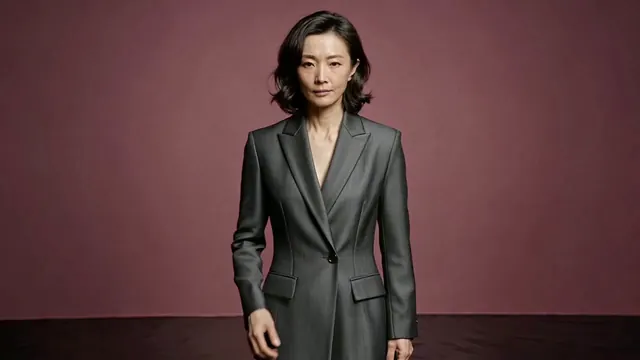
Change the light around the suit
PromptGive the studio background a cooler cobalt cast while leaving the closed charcoal suit visually dark. Keep the medium portrait as the main reference and avoid adding props.
Compare the skin, suit and frame edges as well as the new color.
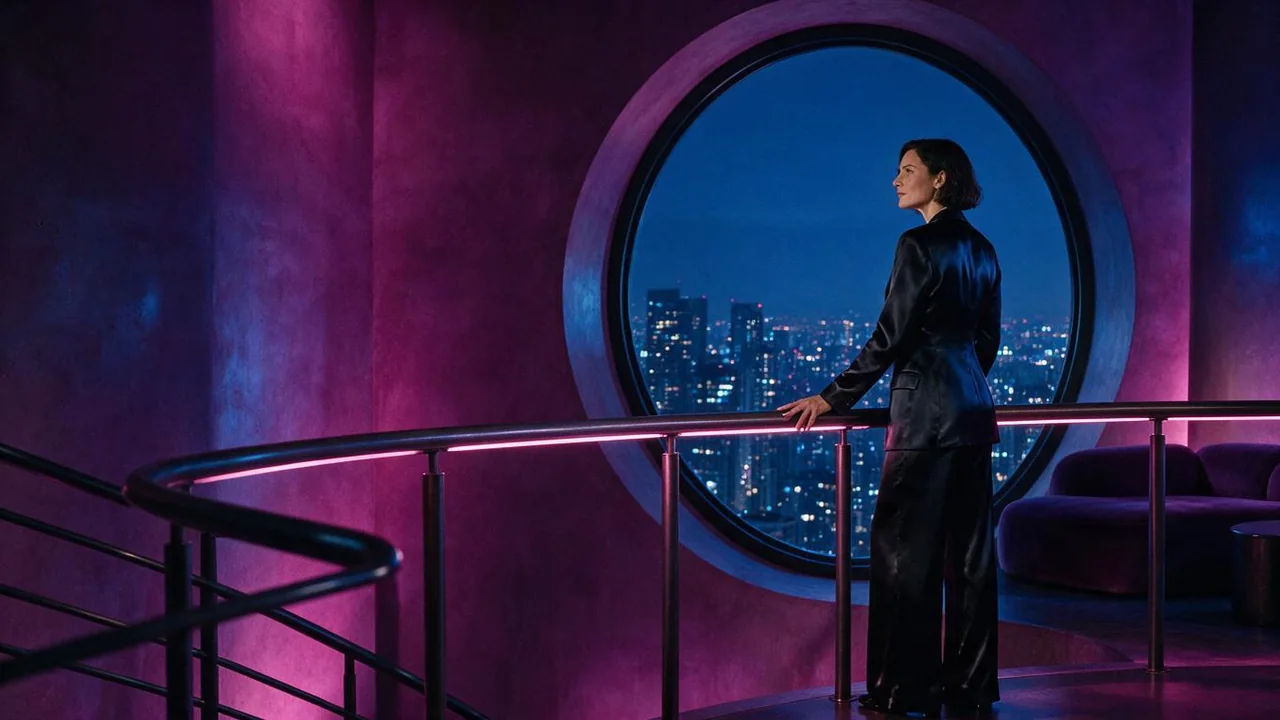
Simplify the space around the subject
PromptReduce background furniture around the circular window, keeping the mature fictional subject and the curved rail as the main visual anchors. Preserve the quiet nighttime mood as a direction.
Check that simplifying the setting has not introduced a new pose.
Make the detail easier to read
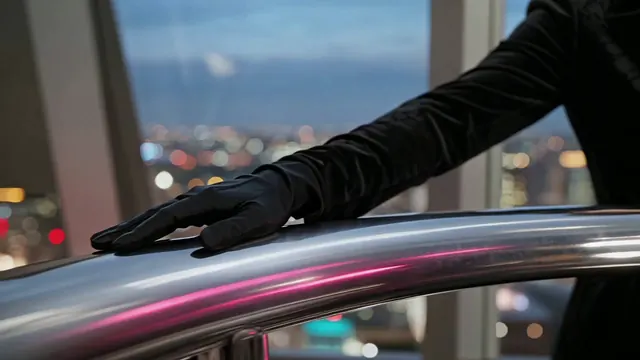
PromptSeparate the dark glove and coat sleeve from the chrome rail with a soft pink rim light. Retain the close framing and restrained blue city bokeh; avoid adding jewelry or a visible face.
Inspect fingers and material edges before animating the detail.
Budget the edit as its own request
Image to Image has its own source requirements, available controls and Credit estimate. Check those live facts after selecting the model and output configuration. A small wording change does not imply a fixed low cost, and later video generation is a separate request.
| Goal | Focus on | Why it helps |
|---|---|---|
| Compare the requested change clearly | Framing close to the chosen source | A new canvas can introduce a crop change alongside the intended edit. Keep the comparison simple when the model permits it. |
| See whether your first edit is covered | Account balance and the current estimate | Eligible new registrations receive 25 one-time Credits. Compare the remaining balance with this request rather than assuming every edit is included. |
| Prepare a source for later animation | A readable subject and surrounding space | Inspect what could move next and whether the frame leaves room. A visually polished still can still be an unsuitable motion starting point. |
| Understand the next revision | The original source and same setup | Returning to the strong source avoids carrying unwanted artifacts into a chain of edits. Keep a record of the single transformation you changed. |
Notice what changed without asking
The most useful Image to Image review checks both sides of the brief: did the intended edit happen, and what else moved? A new result can satisfy the color instruction while weakening the face or hands. Make the next decision from the whole image.
- The edit also changes the pose
- Return to the original source and remove secondary transformations. Name the intended composition anchor while accepting that exact preservation is not guaranteed.
- The requested difference is hard to see
- Move the target change to the first sentence and give it a concrete visual outcome, such as cooler background light.
- Repeated edits accumulate artifacts
- Stop editing the latest result automatically. Compare against the strongest authorized original and request one consolidated change from it.
- The result looks usable only at a glance
- Inspect hands, face, clothing edges and any detail that matters for the next step. Do not spend on animation before reviewing the source carefully.
Image to Image questions
Practical answers about live settings, Credits, account access, and consent-first creation.
Choose one difference you can identify side by side: remove background clutter, change the lighting balance or improve separation around a detail. State one source feature that matters. Leave a new pose, location and wardrobe for separate comparisons.
When eligible, a new account receives a one-time 25-Credit reward, subject to anti-abuse checks. Read the remaining balance and the live estimate for your selected edit setup. The allowance does not mean unlimited editing or access to paid subscription options.
No exact match is guaranteed because this is a new generation. Inspect the face, hands, silhouette, clothing, crop and background after completion. A brief can name important features, but the wording does not make preservation deterministic.
You can use a saved image you are authorized to process in an available compatible Image to Video setup. Review the edited still first, then create a separate motion brief. The video submission has its own controls and Credit estimate.
Use work you own or have the required permission to process, with informed consent for any real person shown. All people must be clearly adult. Minor or unclear-adulthood content, unauthorized real-person likenesses and non-consensual intimate material are prohibited.
Make the change small enough to evaluate.
Choose an authorized source in Image to Image, state one transformation and compare the displayed estimate with your available Credits.